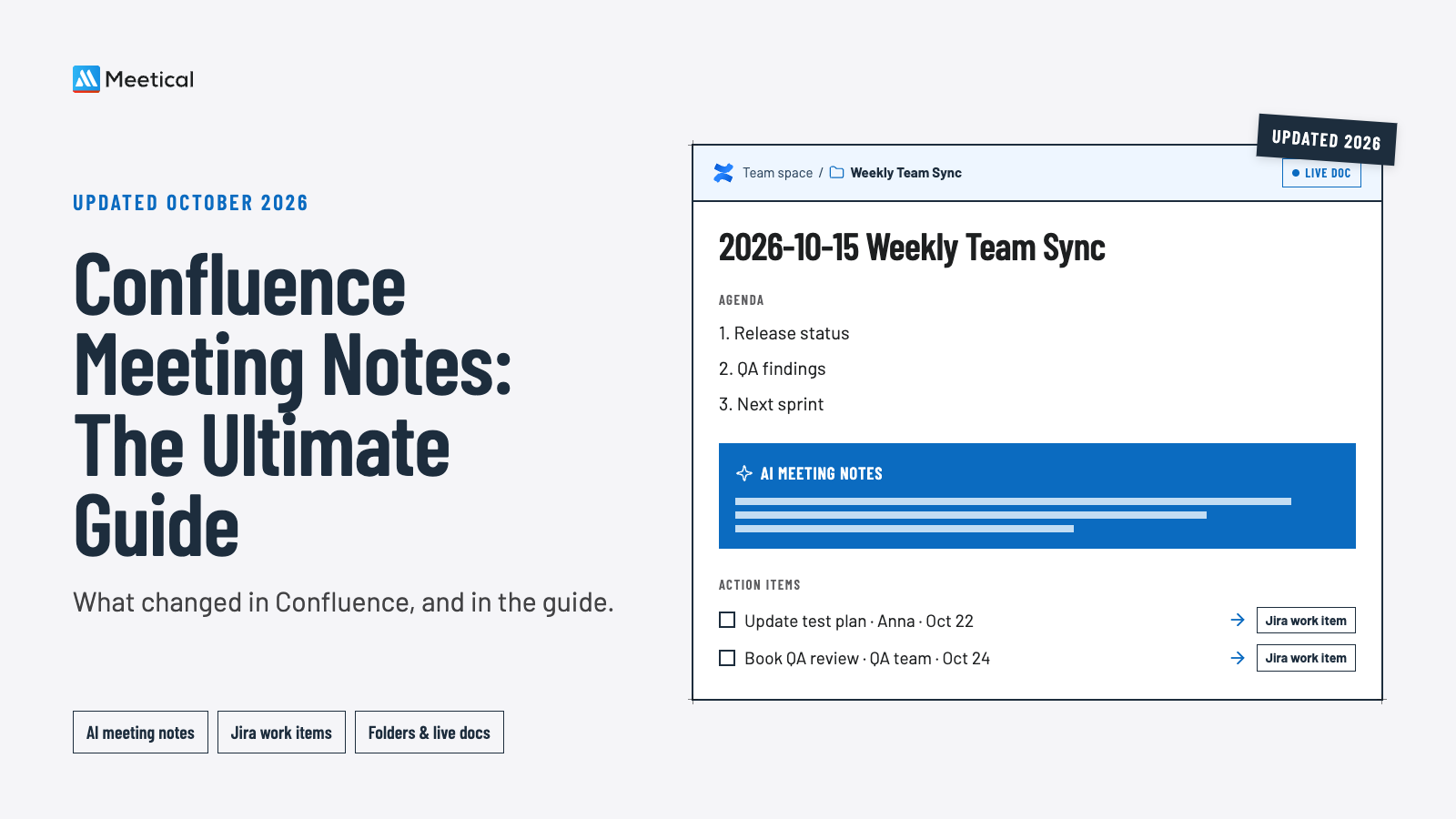

Our Confluence Meeting Notes – The Ultimate Guide is one of the most read pages on meetical.io. I wrote the first version in 2021, and the last update was in March 2025. Since then, Confluence changed more for meeting notes than in the four years before. So I sat down and updated it.
Here is what changed, in Confluence and in the guide.
What's new in Confluence for meeting notes
- AI writes meeting notes into Confluence. Loom's AI meeting notes create a Confluence page for recorded Zoom, Google Meet and Microsoft Teams calls (with Loom Business + AI or Enterprise). Rovo, now included in Confluence Standard, Premium and Enterprise, summarizes pages and comments.
- From action item to Jira in one step. Rovo can turn the action items on a page into Jira work items, which you review before they are created.
- Jira speaks a new language. Issues are now called work items, and the roadmap macro is now the Jira timeline macro.
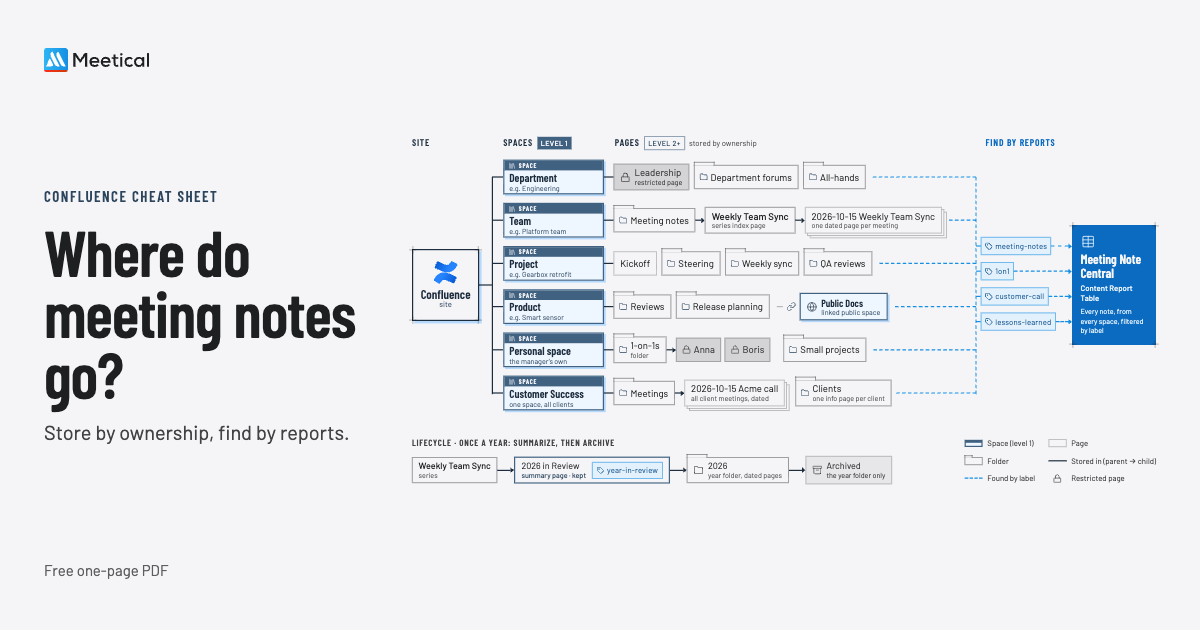
- New ways to organize a meeting series: folders instead of an empty parent page, and live docs that save automatically and need no publishing.
- Action items can go to a team, and reminders can be built with Confluence Automation.
- Sharing with externals got clearer: up to 5 free guests per paid user on Standard and above, and public links that are view-only.
What we changed in the guide
- A new chapter on AI meeting notes: Rovo, Loom and Meetical AI, with a side-by-side comparison of Loom AI meeting notes and Meetical AI.
- Key takeaways at the top, for everyone in a hurry.
- An FAQ with the questions we hear most often, and a summary table at the end.
- About 20 facts corrected, from plan names to the decision report filters. Some sections were simply outdated.
And what's new in Meetical
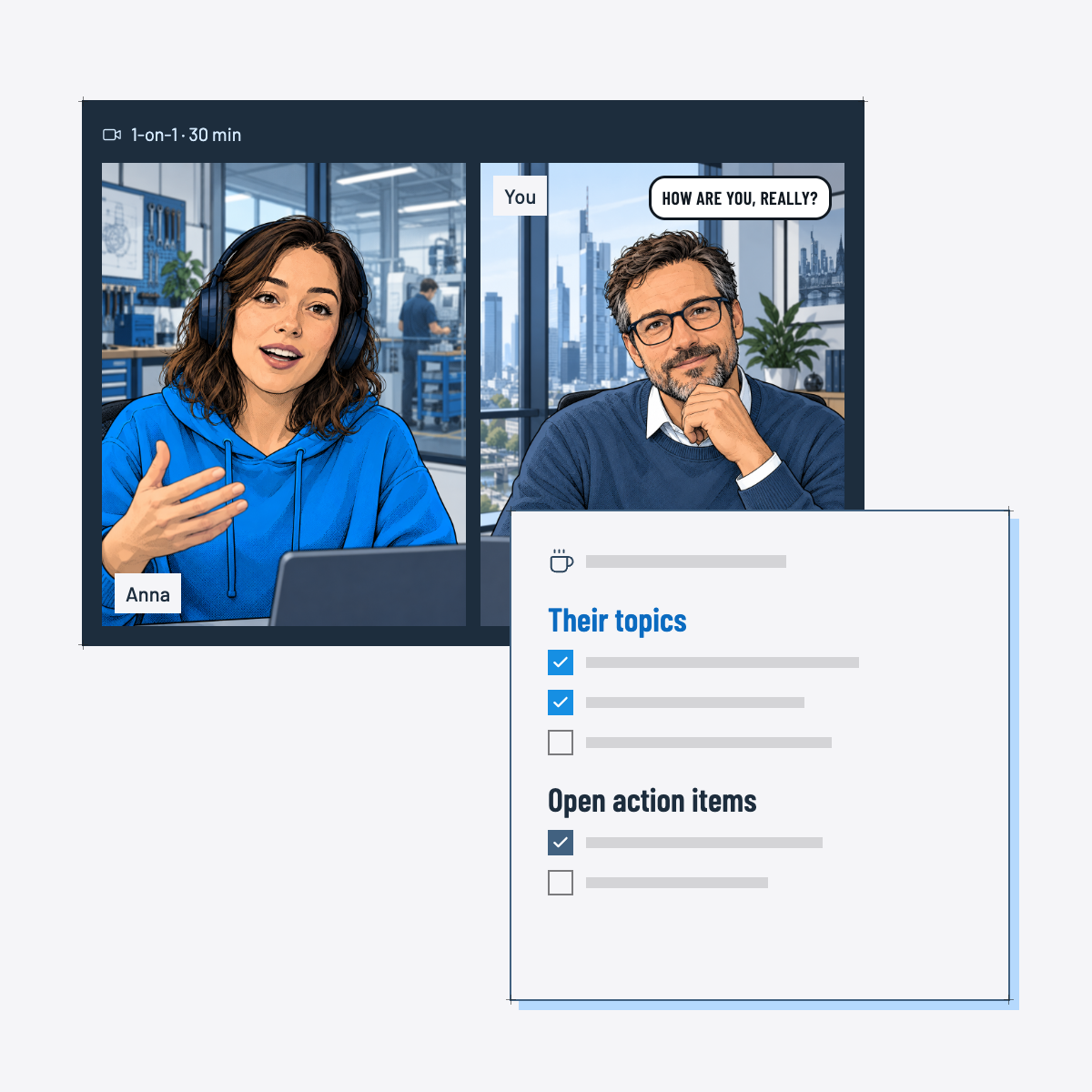
Meetical AI is in Early Access. It joins your Zoom, Teams or Google Meet call and writes the summary, decisions and action items onto the meeting page you already created from your calendar, next to your agenda. Action items become real Confluence tasks, assigned to the participants with a due date, and show up again in the open tasks of the series on the next meeting page.
Your admin turns it on for everyone or for selected groups, and decides how long recordings are kept.
Also updated: our Confluence templates guide
Every meeting page starts with a template, so I refreshed our template guide too. What changed in Confluence:
- Still no "save page as template". Atlassian has had the request since 2006. New since June 2026: block templates, for the parts you reuse, like an agenda table.
- Macros got new names. Page Properties is now Content properties, Content by Label is Filter by label, Children Display is Child items.
- Templates work for live docs too, including variables and labels.
- Create with Rovo uses your template as context for a new page (Standard and above).
And in Meetical:
- 11 included meeting templates, including the new AI Agenda Template: just the overview and a short agenda, and Meetical AI writes the rest.
- A default template for the whole site, per space and per meeting series.
- The Advanced Task Report for Confluence, included in Meetical: every viewer sees their own tasks and can complete them right in the report.
Three guides to start with
We also put our three most complete guides at the top of meetical.io/learn:
- Confluence Meeting Notes – The Ultimate Guide
- How to Create a Template in Confluence – The Ultimate Guide
- How to Organize Confluence: A Space Structure That Scales
My advice: pick one recurring meeting this week and set it up the way the guide describes. One page per meeting, the template with your labels, and the open action items at the top. It takes 15 minutes, and your next meeting will start with what is still open instead of "Where did we write that down?".
If you would like your calendar and the AI to do this setup for you, try Meetical free for 30 days.
Thanks for reading, and stay meetical!
Sources
- Atlassian: Loom AI-powered meeting notes (August 6, 2025)
- Atlassian Support: Understand Rovo billing (September 26, 2025)
- Atlassian Support: Use Jira and Confluence together, Jira timeline macro, Folders, Guests (accessed October 2026)
- Atlassian Support: Create a template, Block templates, Macros that are unavailable in the Cloud editor, Create with Rovo (accessed October 2026)
- Atlassian: CONFCLOUD-5877 Allow the user to save a page as a template (status October 2026)
- Meetical documentation: Meetical AI, Included meeting templates, Advanced Task Report for Confluence (accessed October 2026)